BREAKTHRU
PROGRAMS
Participant Guidelines & Handbook — everything you need to make the most of your RetailClub AI Festival experience.
Breakthru Support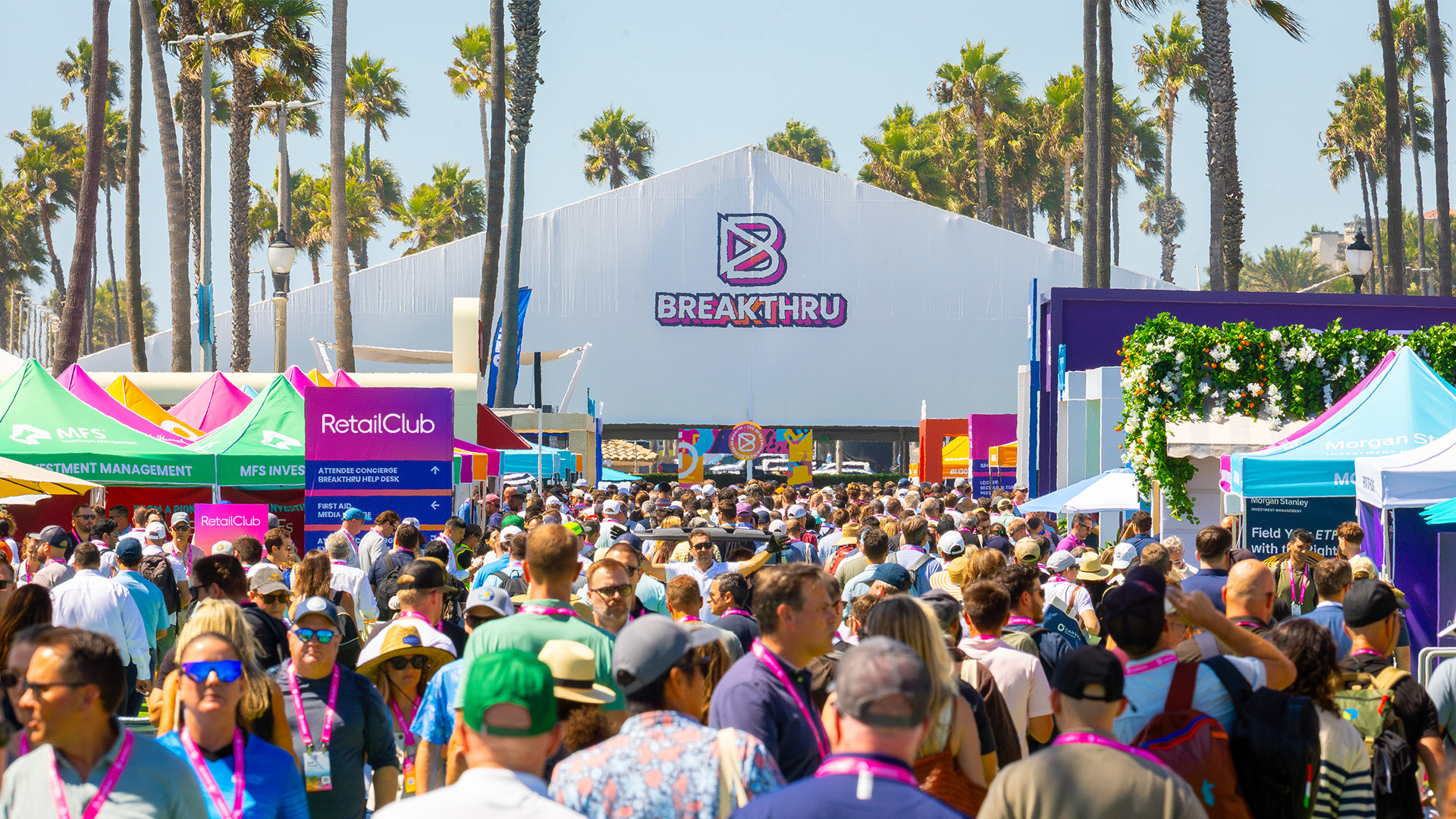

The Programs
Three Ways to Connect

Breakthru Meetings
RetailClub's game-changing meetings program facilitating 30,000+ double opt-in meetings between retail and brand executives, AI leaders, operators, innovators, and technology partners.
- Up to 20 meetings — limited only by availability and mutual interest
- Meet potential partners, discover innovative companies, explore new technologies, and grow your network
- AI Target-Finder pinpoints the attendees you should meet — learning in real time from hundreds of thousands of past meeting selections
Breakthru Talks
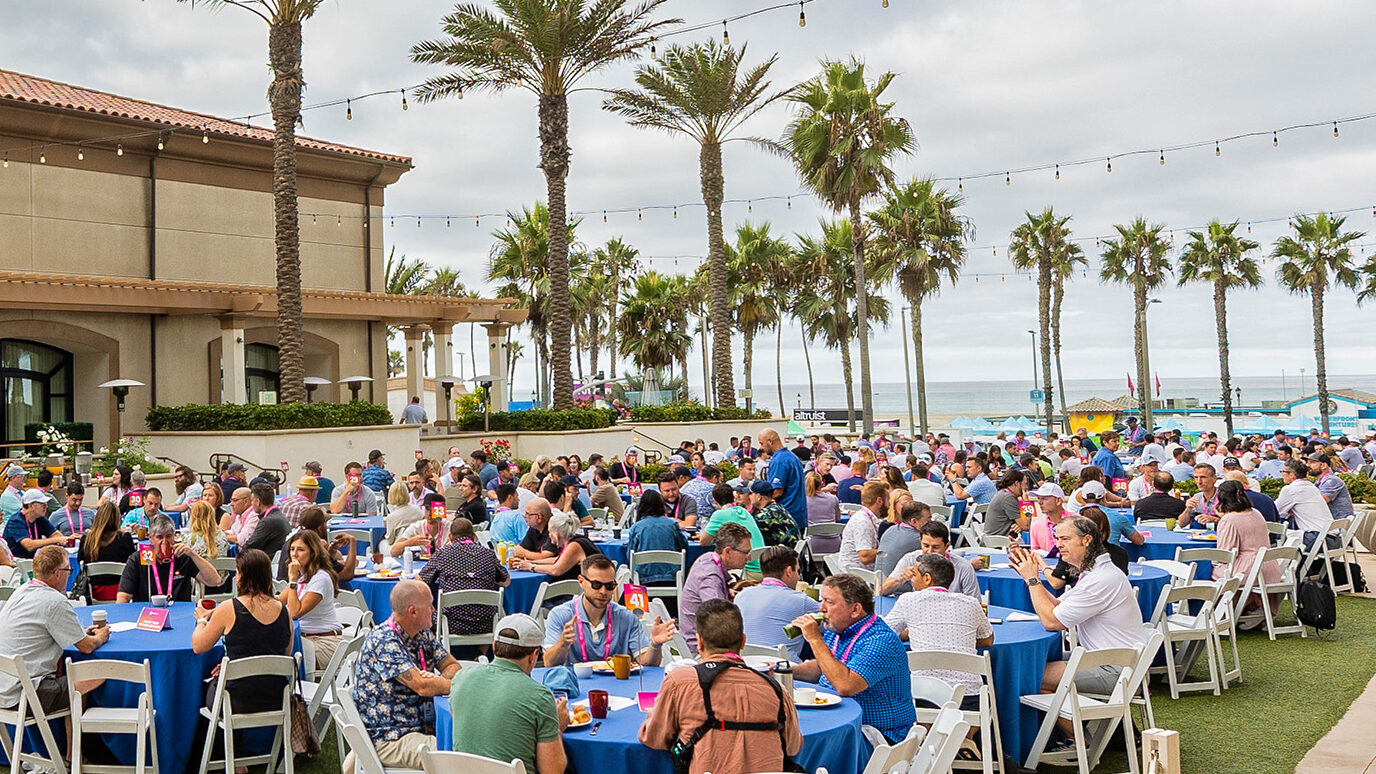
Onsite interactive roundtables bringing together 5–8 peers to share insights and generate actionable takeaways on key industry topics.
- 45-minute peer group discussions — open to all attendees
- 8:15–9:00 AM PT on Wednesday, Sept 23 & Thursday, Sept 24
- Complete a short bio and select your preferred topics and discussion questions

Breakthru Experiences
Experiences are your opportunity to connect, learn, and recharge — beyond the mainstage. These curated activities offer immersive ways to build meaningful relationships with peers, partners, and innovators in retail industry.
- Networking Dinners, wellness activities, collaborative workshops, innovative activations, and more
- Select all Experiences you'd like to attend
- Final calendar invites sent Friday, September 18
Program Schedule
Schedule of Breakthru Programs
All RetailClub Breakthru Programs will take place on September 22–24, 2026.
- Breakthru Meetings: 16 meeting timeslots. We will only schedule you for up to 8 Hosted Meetings, plus any Non-Hosted Meetings you have.
- Breakthru Experiences: You are required to participate in the Networking Dinner on Wednesday evening, 7:00–9:00 PM PT.
- Breakthru Talks: There are 2 breakfast sessions — one on Wednesday and one on Thursday. While you can choose to attend just one, most people find both incredibly valuable.
Master Timeline
What You Need to Do & When
At every stage, we'll send reminders, step-by-step instructions, and short videos showing you exactly what to do and when.
One important note: all deadlines are firm. Completing each step on time gives you the best chance of receiving high-value meetings, getting placed into Experiences and Talks, and making the most of your RetailClub AI Festival experience. We strongly recommend completing each step early rather than waiting until the last minute.
And it's worth it: after the festival, you'll receive a personalized post-event summary including every meeting you attended, contacts you made, notes you captured, and sessions you joined — all in one place, ready to act on.
If you don't receive an email, check your spam folder for messages from donotreply.retailclub26@eventpt.com.
Questions? Contact breakthru@retailclub.com.
Meeting Schedule
Breakthru Meeting Time Slots
All Breakthru Meetings take place on Wednesday, September 23 and Thursday, September 24. You can opt out of any slots you're unavailable for — you will not miss content sessions for meetings.
Hosted Retailers & Brands must be available for at least 16 of 20 time slots. Up to 8 of these will be Hosted Meetings with solution providers — the rest are available for non-hosted connections.
Wednesday, September 23
2 Sessions · 10 Slots
Thursday, September 24
2 Sessions · 10 Slots
Step-by-Step Guide
Your Action Plan
Click any phase to expand full instructions.
- Build your profile using 100+ data points. The more detail, the better the AI matches. All profiles are made available to other participants at the start of the Request Meetings stage on August 31.
- Include your Calendly link (or equivalent) in your profile — it will be included in any emails triggered when you use the Request Follow Up feature in the mobile app.
- Upload your organization's logo to make your profile stand out.
- Set your availability or default to fully available. More availability = more meetings. You can update until September 11 at 5:00 PM PT.
- Post on Social to tell your X and LinkedIn connections you're attending.
- Make an Announcement about new products, partnerships, funding, or research to thousands of participants.
- AI Target-Finder pinpoints the RetailClub attendees you should meet — a live engine that learns from hundreds of thousands of past Breakthru meeting selections and adapts to the current event's emerging trends and your own meeting requests in real time. The more detailed your profile, the easier it will be for the right people to find you.
- Hosted Retailers & Brands: Must be available for at least 16 of 20 time slots.
- Org Admins: Can edit and complete profiles on behalf of participants.
- Recommended: make requests equal to at least 4× the number of slots you're available for.
- Not every request becomes a scheduled meeting, so requesting broadly improves your chances of building a full and impactful schedule.
- You can request multiple people from the same org, but meetings with unique orgs are scheduled first.
- Use Filters, Predefined Lists, and Bookmarks to work efficiently alongside the AI view. Don't leave it to the last minute.
- Mark "Very Interested" to prioritize those selections over "Interested" ones — this affects scheduling order.
- Meetings Reps:
- Select ALL Hosted Retailers & Brands you'd like to meet (these become Hosted Meeting requests).
- Minimum: requests equal to 4× your org's number of purchased Hosted Meetings.
- You can also make Non-Hosted Meeting requests for additional connections — these will not be counted towards your Hosted Meetings.
- Org Admins can request meetings on behalf of participants.
At this stage you will be reviewing and opting into inbound requests from people you did not originally request yourself.
- Opt in to every inbound request from someone you'd spend 15 minutes with. More opt-ins = more meetings scheduled.
- Hosted Retailers & Brands:
- Must opt in to Hosted Meeting inbound requests from at least 24 organizations.
- Multiple requests from the same org count as only 1 organization.
- Max 8 Hosted Meetings will be scheduled regardless.
- Meetings Reps: Opt-ins from Hosted Retailers & Brands default to Hosted Meeting requests.
- Org Admins can opt in to inbound requests on behalf of participants.
- You get meetings with people who mutually selected you. Not accepting disappoints others!
- Hosted Retailers & Brands: Accept all Hosted Meetings (max 8). Not penalized if the other party doesn't accept.
- Meetings Reps: Must accept all Hosted Meetings. Unaccepted or Rejected Hosted Meetings will not be refunded to your org.
- Additional meetings are either replacements for meetings that were not accepted by the other participant, or new meetings from your previous selections where others have become available.
- If you previously rejected (or didn't accept) a meeting, you won't be eligible to get an additional meeting in that time slot.
- Your final confirmed schedule and calendar invites for all Breakthru Programs will be released on Friday, September 18.
- Meetings: If you cannot attend a meeting, you must email breakthru@retailclub.com directly — do not simply decline the calendar invite, as this does not notify us or your meeting partner. Meeting times cannot be changed.
- If a meeting you accepted at the Accept Provisional Meetings stage is not in your final schedule, it's likely because the other party did not accept it.
- Breakthru Talks: If you cannot attend a Talk, email breakthru@retailclub.com — declining the calendar invite alone is not sufficient.
- Experiences: If you cannot attend an Experience, you must cancel via the RetailClub app or platform — do not simply decline the calendar invite. This ensures organizers can plan accordingly.
- Mutual Match Leads (if purchased) will also be shared on September 18.
Breakthru Meetings
- Where? Dedicated Breakthru Meetings area (size of a football field!). Each meeting has an assigned table number — check the app or your calendar invite.
- When to arrive? 5–10 minutes before your first meeting. No check-in required; Q&A desk available.
- No-shows? Wait 5 minutes, then tap "Mark as No Show" in the RetailClub app.
- 15 minutes per meeting with a 3-minute transition. Table numbers change each slot — always check.
- Add a colleague: You can add any registered colleague who is available at the meeting time.
- Download the RetailClub app in advance to take notes and request follow-ups.
Meetings Reps — please note:
- Do not contact any attendee prior to your meetings in relation to Breakthru Meetings, or use confidential information from any stage of the program to reach out via non-program channels.
- Do not assume attendees have prepared for the meeting or know your company — they may have agreed to meet based solely on categories or filters. Be ready to deliver a complete pitch in 15 minutes and leave time for Q&A.
- Do not bring materials that cannot fit on the table (e.g. free-standing structures, pop-up signage) or leave any materials at the table after the meeting.
• Wednesday, Sept 23: Breakwater Ballroom and Vista Lawns, Hilton
• Thursday, Sept 24: Breakwater Ballroom, Hilton
Breakfast is served from 8:00 AM PT in the Breakthru Talks area before each session. Each session starts with 60-second introductions from all participants. An assigned Starter will then kick off the conversation by reading the first discussion question aloud.
- Feedback Survey (everyone): You will receive an email on September 25. Complete by October 7 at 5:00 PM PT. Completion is required to be eligible for expense reimbursement. After submitting, download a summary of your meetings including notes and contact details of everyone you met.
- Expense Reimbursement (Hosted Retailers & Brands only): Submit starting October 9, deadline November 3 at 5:00 PM PT. Claim up to $1,750 in travel and hotel costs via the RetailClub platform. Processed on a rolling basis.
- Event Summary — a personalized PDF summary of your event participation, including:
- Breakthru Meetings attended
- Breakthru Talks attended
- Breakthru Experiences attended
- Notes taken during meetings or sessions
- Any attendees, speakers, or agenda items you bookmarked or interacted with
- My Contacts — all attendees whose badges were scanned onsite, along with any notes saved about those contacts.
- Meetings Report — a detailed export of your scheduled Breakthru Meetings, including participant information and any meeting notes captured during the event.
Organization Administrators
Org Admin Pro Tips
To help complete action items for participants and your organization, you can use a desktop or the RetailClub mobile app.
If you're a participant completing action items just for yourself, you can use the mobile app.
- Select who to manage: Go to 'Manage Participants & Roles' and select the participants from your organization you want to manage as Org Admin. You can then help complete action items on their behalf.
- Add or assign Org Admins: Click 'Add New Org Admin' to add unregistered individuals as Org Admins, or click 'Assign' to assign existing participants as Org Admins.
- Assign a Meetings Rep: Log in to MyExperience and click "Manage Participants". Select participants you want to be a Meetings Rep by checking the boxes next to their names.
What are Meetings Representatives?
Meetings Reps are the people from your organization who will take Hosted Meetings with Hosted Retailers and Brands. They can also be matched into non-hosted meetings with other attendees — Hosted Meetings are filled first, with any remaining available slots used for non-hosted meetings across all participant types.
- Recommended: 1 Meetings Rep per 10 Hosted Meetings. There is no upper limit.
- Individuals must be registered to attend RetailClub AI Festival to be assigned.
- Meetings Reps can complete their Meetings Profile from August 17–28.
Managing Different Types of Participants
Your organization may have individuals with different roles — for example: (1) Hosted Retailers & Brands, (2) Meetings Reps (if your organization has purchased Hosted Meetings), or (3) General Participants. As an Org Admin, you can help complete action items for any of them regardless of role. Please review these guidelines to understand the required action items at each stage.
- Manage Participants: To manage meeting requests for a participant, find them in your list of managed participants and click their link. Their meeting request screen will open in a new tab.
- Participant view: When you open a participant's link, you'll see exactly what they would see if they logged in directly. Make selections on their behalf from this view.
- Multiple participants: You can manage multiple participants simultaneously by opening each in a separate tab.
Just like regular participants, Org Admins can use the full range of collaboration and time-saving features:
- Bookmarks: If you're not sure whether to request a meeting for a participant (or yourself), simply Bookmark them to decide later — they'll appear under 'Bookmarks'.
- Saved Lists: Click 'Save List' to name and save a specific search or filter result to come back to later — found under 'My Lists'.
- Share Saved Lists (Meetings Reps who are also Org Admins): Share your saved lists with all Meetings Reps in your organization by toggling the slider when saving or editing a list. Any changes you make will sync automatically.
- Lists Shared With Me (Meetings Reps who are also Org Admins): If Meetings Reps from your organization have shared their lists, they'll appear under 'Lists Shared With Me'.
- Share Participants' Requests: Share the meeting requests of Meetings Reps you're managing from the 'Manage Participants' meeting requests screen. Meetings Reps can also share their own requests from there. Note: meeting requests can only be shared with other Meetings Reps.
- Meeting Requests Progress: Click the tooltip at the top of the screen to track each participant's progress against their recommended minimum number of meeting requests.
From the Accept Meetings stage onwards, you can view the ongoing progress and status of participants you manage, including:
- Whether participants have accepted their meetings
- Whether participants have accepted any additional meetings
- Participants' scheduled meetings
- Whether participants have provided post-event feedback
Fine Print
Our participant list is confidential and must not be (1) shared with anyone else, (2) downloaded, or (3) used other than as described by us. Based on information received through the Breakthru Meetings program, you may not solicit participants outside of the event other than as we permit. Breach of this provision may result in elimination from further participation and being barred from future programs. Do not assume that requests or opt-ins to meet with you indicate any interest in meeting outside of the Breakthru Meetings Program.
Updated June 3, 2026 & subject to change.